Skip to content
Grid Maker logo

Grid Maker

Free, ad-free online grid tool for artists to easily apply the grid method to any image

Screenshots
Grid Maker screenshot 1Grid Maker screenshot 2Grid Maker screenshot 3

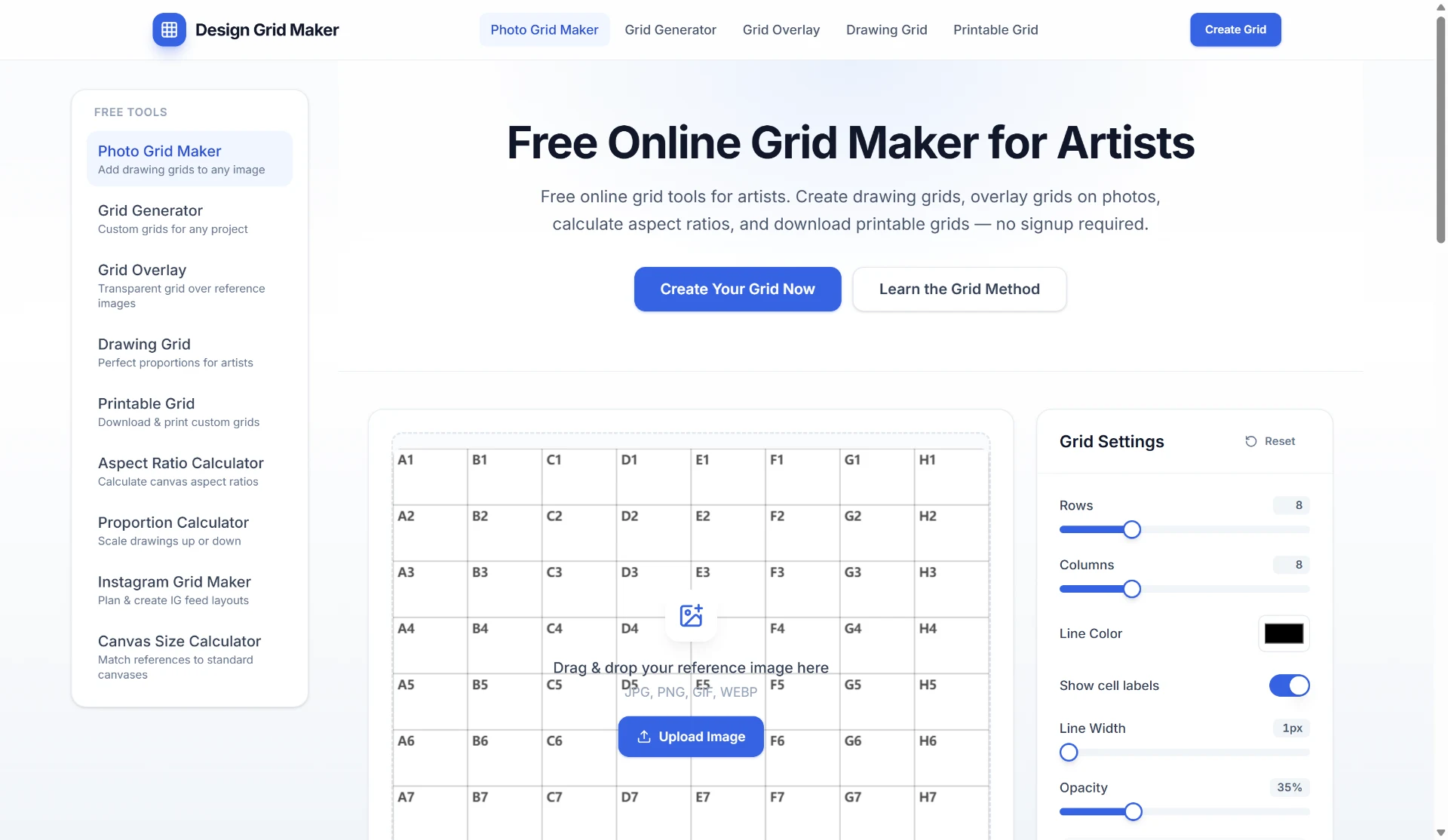
Design Grid Maker is a free online tool that helps artists transfer proportions accurately using the classic grid drawing method. Users upload a reference photo, divide it into equal squares, and draw square-by-square on their canvas. The tool runs entirely in the browser with no signup required, and all image processing happens locally on the user's device—ideal for privacy-conscious artists. Customizable grid density, line color, opacity, and cell labels (e.g., A1, B2) allow for precise control, and the final grid overlay can be exported as PNG or JPG at full resolution. The site also offers a Grid Method Guide for beginners and related tools like an Aspect Ratio Calculator and Instagram Grid Maker.

Key Features

Instant & Free

No account, no watermark, no limits. Open the tool and start drawing in seconds.

Privacy First

All image processing happens locally in your browser. Nothing is uploaded to a server.

Artist-Ready Export

Download high-quality PNG or JPG with your grid overlay at full image resolution.

Customizable Grid Settings

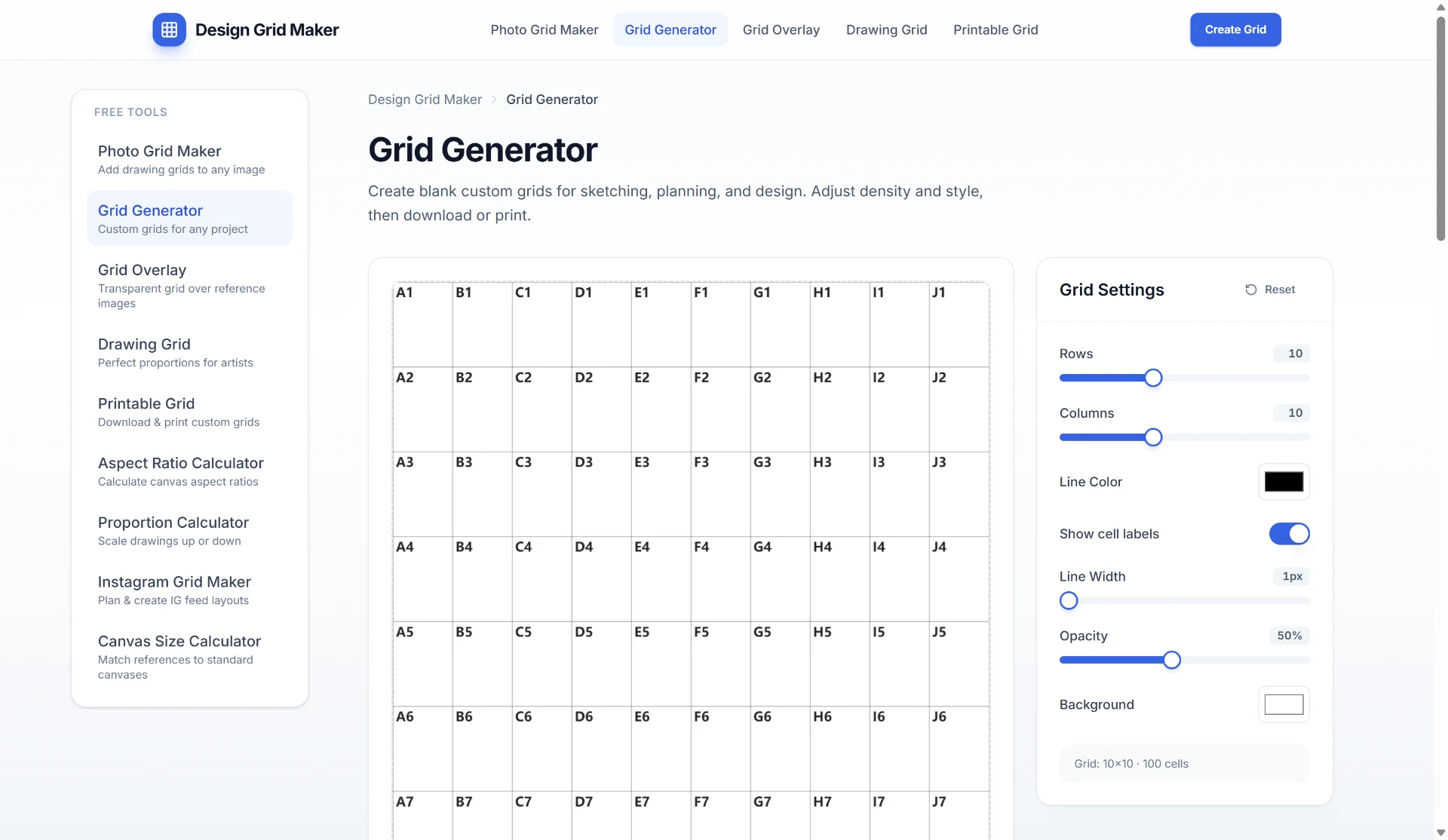
Set rows, columns, line color, opacity, and labels (e.g., A1, B2). Preview updates instantly on canvas.

Multiple Upload Formats

Supports JPG, PNG, GIF, and WEBP for upload, with export as PNG or JPG.

Share Grid Settings

Click Share Link to copy a URL with your current grid configuration for easy sharing.

Grid Method Guide

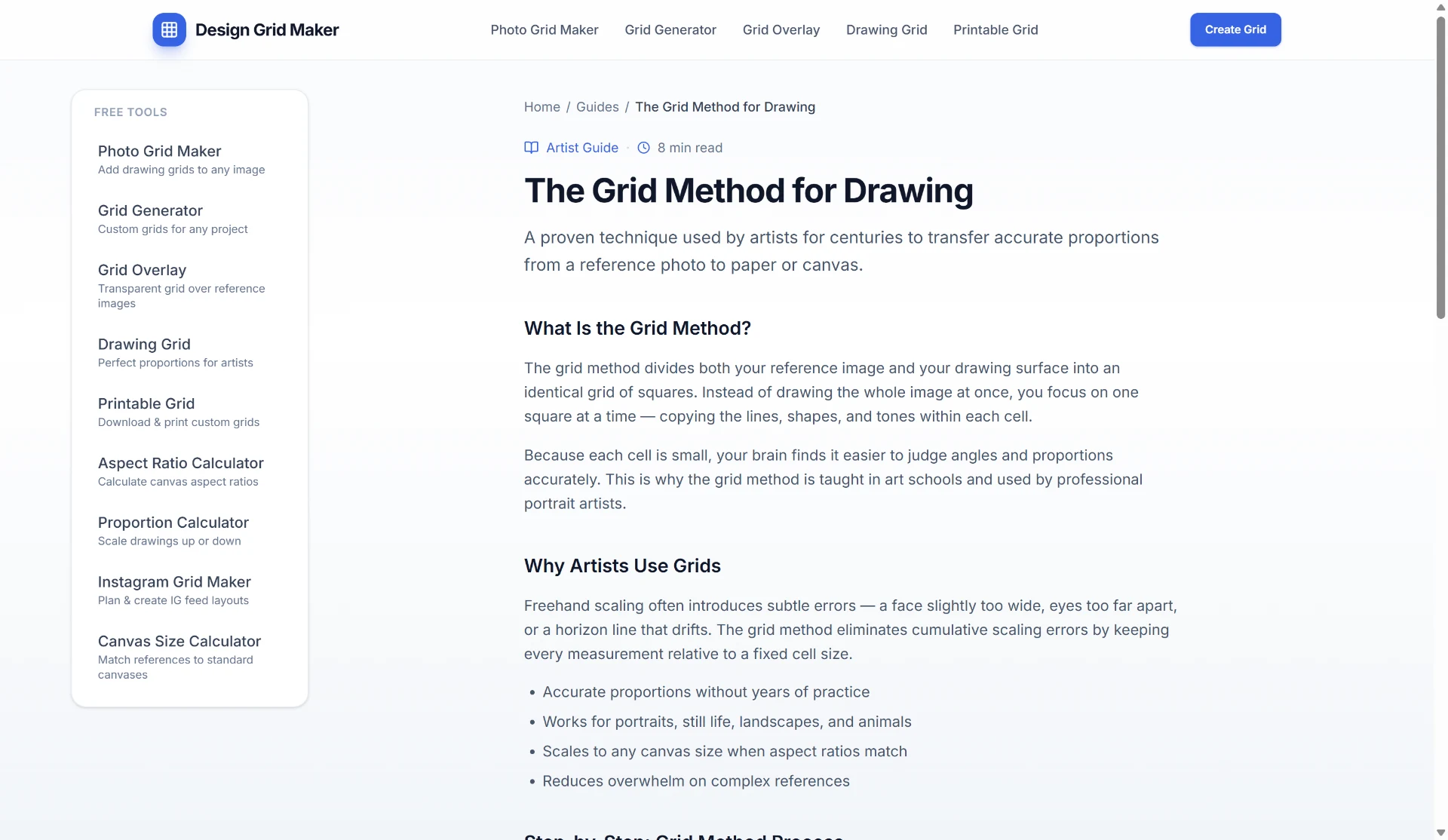
A free guide teaching step-by-step grid drawing techniques used by professional artists.

Use Cases

  • Artists transferring proportions from a reference photo to a canvas
  • Beginners learning the grid method for accurate drawing
  • Pixel artists creating grids for pixel art projects
  • Users overlaying a transparent grid on reference images for tracing
  • Artists calculating aspect ratios to match references to standard canvases
  • Planning Instagram feed layouts using the Instagram Grid Maker tool
  • Scaling drawings up or down with the Proportion Calculator

FAQ

Is Grid Maker free to use?

Yes. All tools are completely free with no signup required. Upload, customize, and download instantly.

What image formats are supported?

Upload supports JPG, PNG, GIF, and WEBP. Export can be done as PNG or JPG.

How does the grid method help artists?

The grid method divides reference and canvas into equal sections, making proportion transfer accurate and easy.

Can I share my grid settings?

Yes. Click Share Link to copy a URL with your grid settings. Your browser address bar stays clean; only the copied link includes your configuration.

Is my image privacy protected?

Yes. All image processing happens locally in your browser. Nothing is uploaded to a server.