Free group, pair & student picker for classes.


Random Group Generator is a web tool that splits a list of names into random groups or teams. It solves the problem of manual shuffling for classrooms, workshops, events, and games. Designed for teachers, people leaders, coaches, and event hosts, it provides a fast, transparent way to create balanced teams without spreadsheets or bias.
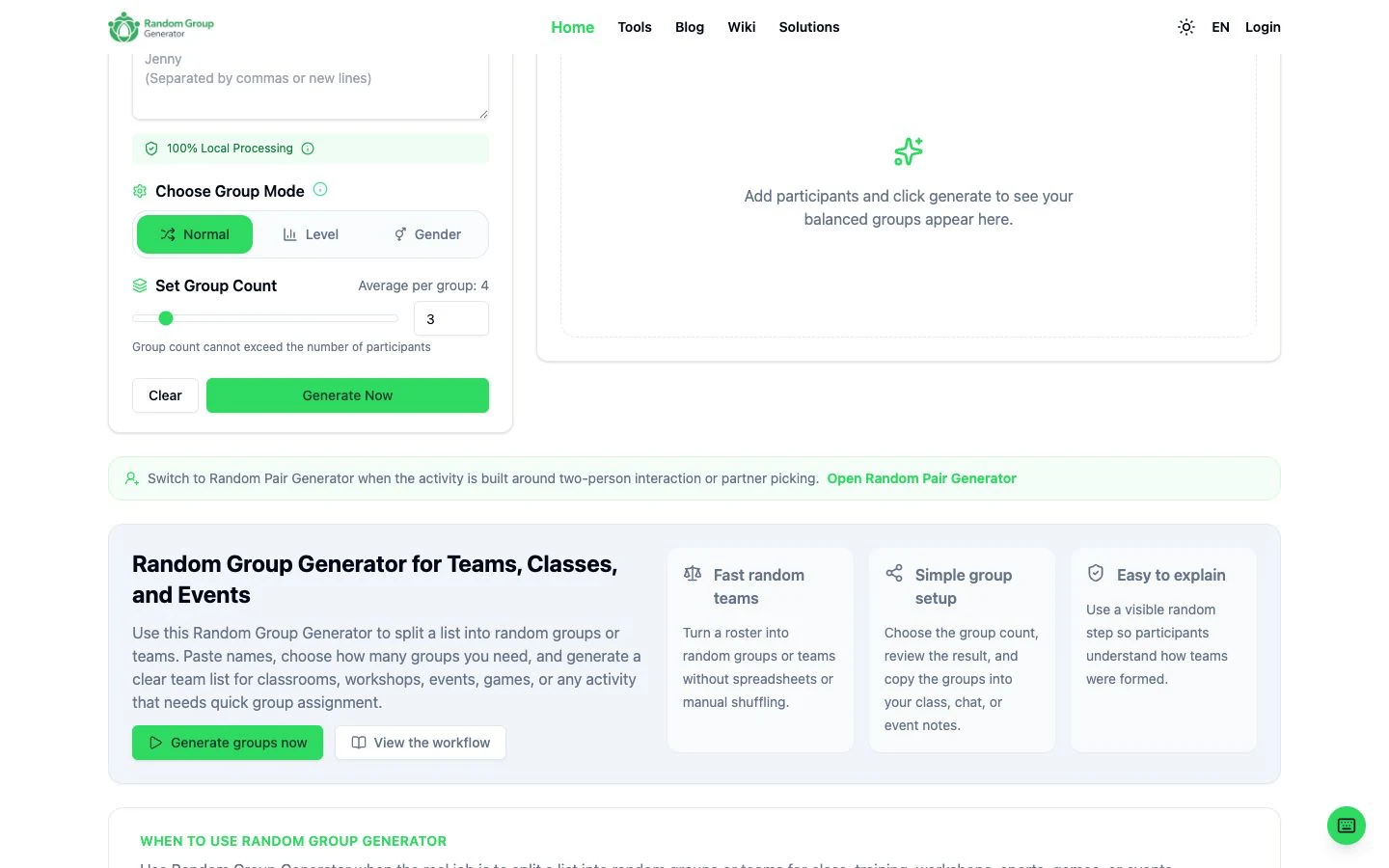
Paste names with commas or line breaks. No special formatting required.
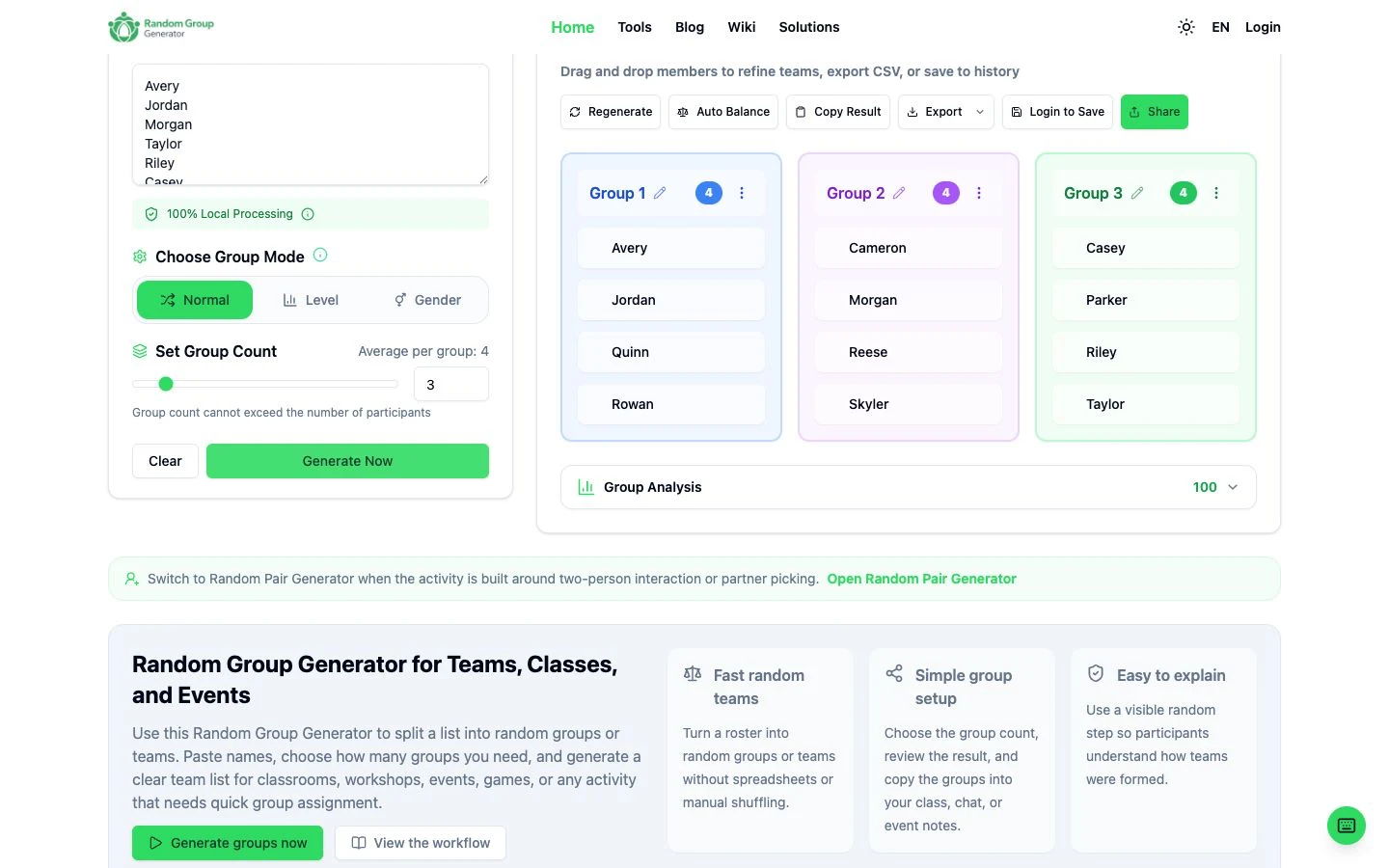
Choose how many groups or teams you need. The tool distributes participants as evenly as possible.
After generation, drag and drop members to manually adjust teams before exporting.
Export results as CSV or save group history for later reference.
Core grouping runs in the browser. Optional share links and signed-in history only use the server when you choose those features.
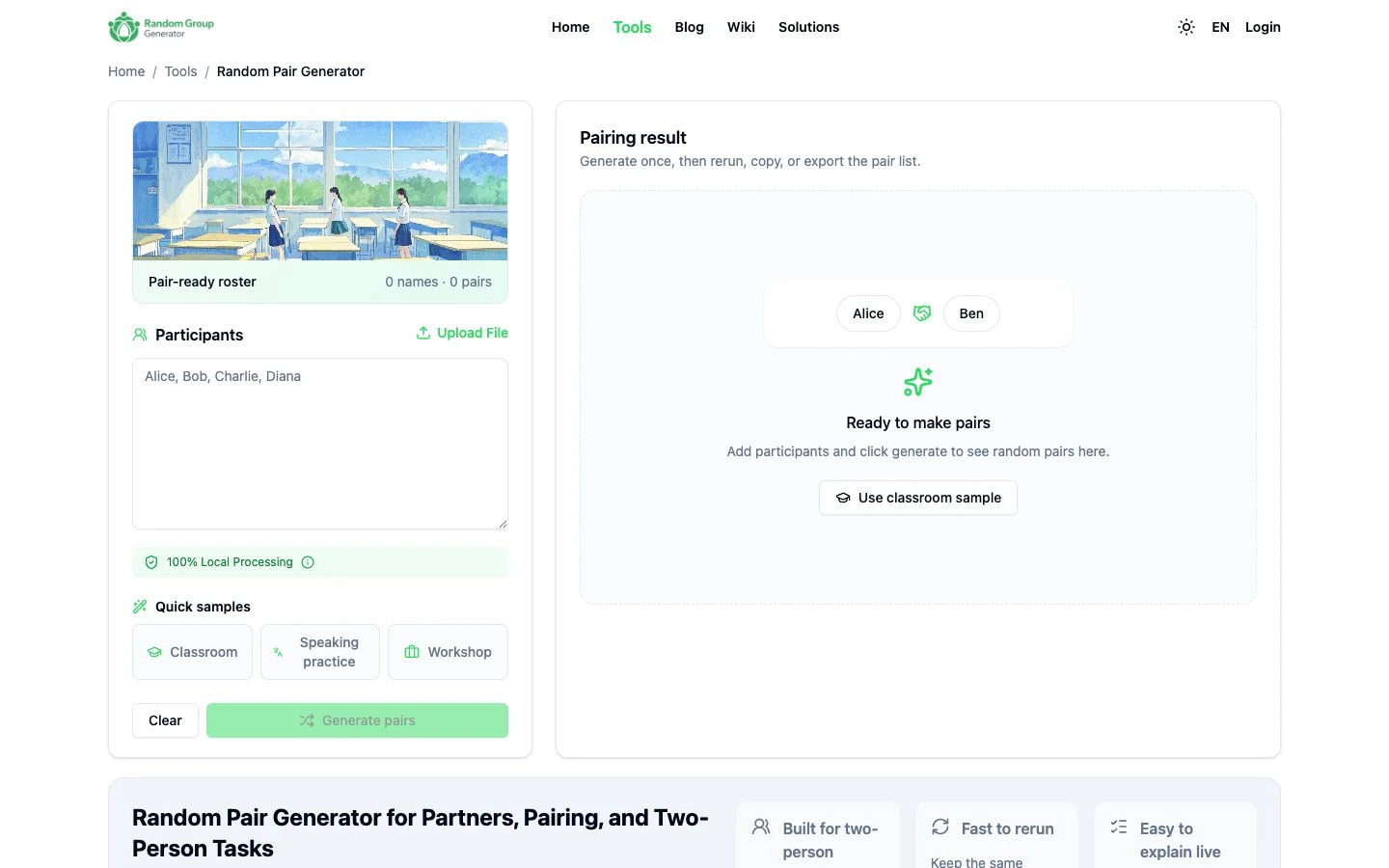
Switch to a dedicated pair generator when only two-person teams are needed.
Use Normal, Gender, or Level grouping modes when the roster includes those labels, then refine with drag-and-drop.
The tool shuffles the cleaned roster (removing empty lines and duplicates) and slices it into the requested number of groups, distributing participants as evenly as possible.
Yes, you can drag and drop members to refine teams after the initial random generation.
Core grouping runs in the browser. Optional share links and signed-in history use the server only when you choose those features.
Yes, you can switch to the Random Pair Generator for two-person tasks.
You can paste names with commas or line breaks.