Renoir AI
The premium AI generation platform for breathtaking visuals
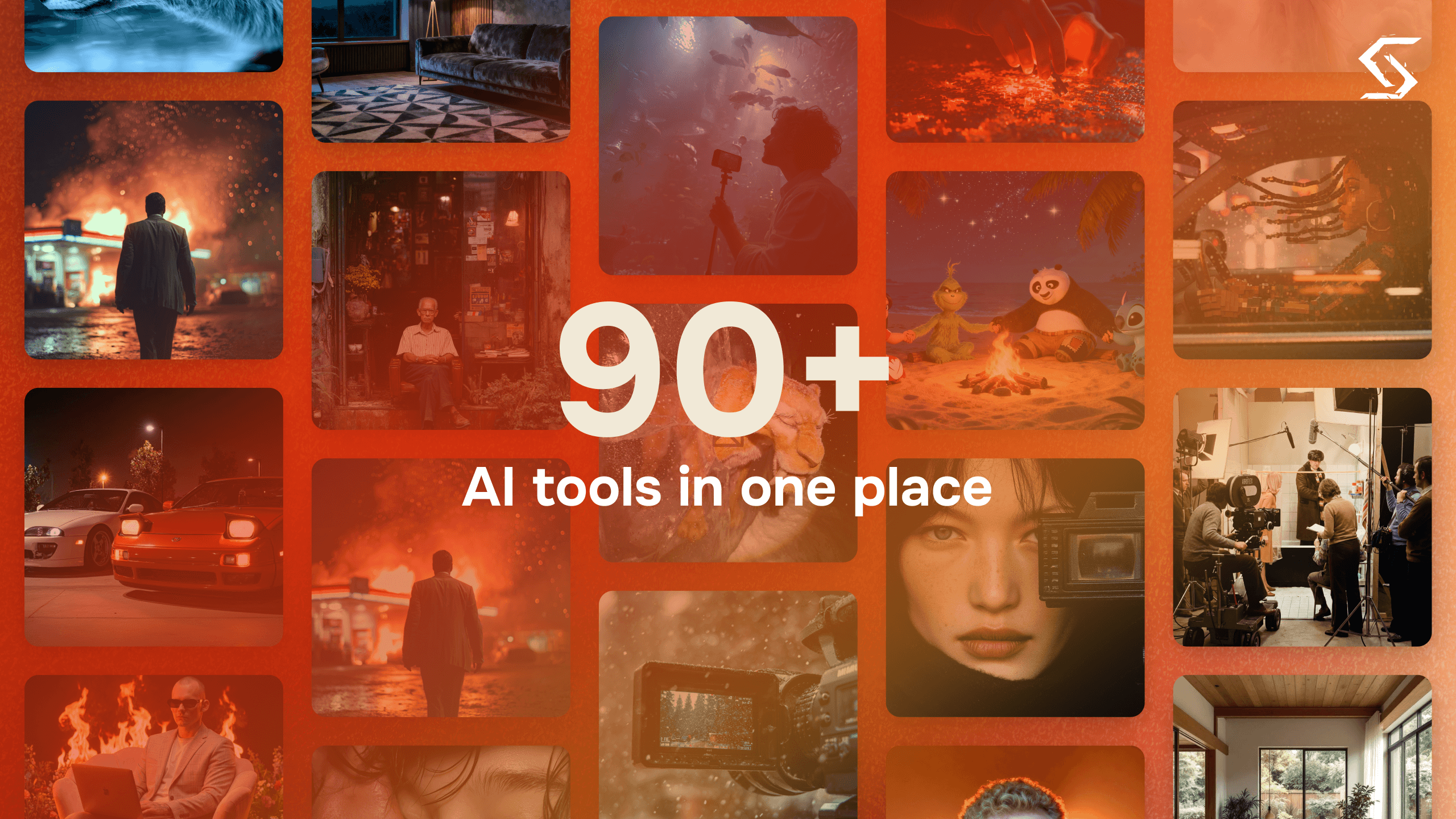
Renoir AI is a unified AI generation platform that combines image, video, and audio creation in a single studio. Instead of paying for separate subscriptions to individual model providers, it aggregates multiple state-of-the-art models — including FLUX.2 Pro, GPT Image 1.5, Nano Banana Pro, Kling 3.0 Pro, Vidu Q3, Wan 2.5, Lyria 2, ElevenLabs, and others — behind one interface and one credit balance. The platform also includes a suite of free photo-editing tools (background removal, upscaling, object removal, photo restoration, colorization) that work without sign-up.
Key Features
Multi-model image generation
Text-to-image with 5+ state-of-the-art models (FLUX.2, FLUX.2 Pro, GPT Image 1.5, Nano Banana Pro/2, Seedream, Recraft V4, Ideogram v3), 10+ style presets (Cinematic, Anime, Oil Painting, 3D Render), and advanced controls like seed, guidance scale, and negative prompt.
AI video generation
Generate 5–10 second cinematic clips with realistic motion and consistent characters from a single prompt, with models including Kling 3.0 Pro, Kling 2.5 Turbo Pro, Vidu Q3, Wan 2.2/2.5, Hailuo 02, and Hunyuan 1.5. Aspect ratios for 16:9, 9:16, and 1:1.
AI audio and music generation
Create music tracks, ambient soundscapes, cinematic scores, and sound effects up to 240 seconds, with custom lyrics for vocal tracks. Models include Lyria 2, Sonauto v2, MiniMax Music v2, Stable Audio 2.5, ElevenLabs, and multiple TTS engines.
Agent-style editing instructions
The studio accepts natural-language editing commands on images and videos, such as removing background passersby, changing lighting, placing products in commercial-style scenes, or animating old photos with subtle motion.
Free photo editing tools
No-sign-up utilities including AI background remover, image upscaler, object remover, photo restoration, photo colorization, professional headshots, and a 1980s-style photo generator.
Image-to-video models
Dedicated I2V models (Kling O3 Pro/Standard, Kling 2.1/2.6 Pro I2V, Wan 2.2 I2V) for animating still images, plus image-editing variants like Nano Banana Pro Edit and FLUX Kontext Pro.
Community gallery
A browsable gallery of community creations with categories such as Trending, Cinematic, Fantasy, Sci-Fi, Abstract, Photorealistic, and Anime, showing the model used for each piece.
Enterprise options
Full API access, dedicated infrastructure, priority queues, unlimited cloud storage, custom credit rates, dedicated support, and team management available via the sales team.
How It Works
- 1
1. Describe your vision
Type what you want to create — an image, video, or audio track — and choose a model, style, and aspect ratio.
- 2
2. AI generates
The multi-model engine routes your prompt to a selected or auto-chosen model; results are claimed to appear in seconds.
- 3
3. Download and share
Download in full quality, iterate with new prompts, or share directly to social platforms.
Pros & Cons
Pros
- Aggregates dozens of top image, video, and audio models (FLUX.2, GPT Image 1.5, Kling 3.0 Pro, Lyria 2, ElevenLabs, etc.) under one subscription and one interface
- Covers three media types — image, video, audio — in one platform, replacing multiple single-purpose tools
- Credits never expire, whether bought via subscription or one-time purchase
- Free photo-editing tools (background remover, upscaler, restoration, colorization) require no sign-up
- Granular creative controls on images: seed, guidance scale, negative prompt, style presets, multiple aspect ratios
- Bulk credit purchases lower the rate across the entire order, not just the incremental amount
Cons
- Credit costs vary widely by model — e.g., a Kling 3.0 Pro video costs 35 credits versus 3 credits for a Seedream Lite image — so heavy video use burns through plans quickly
- Video clips are limited to roughly 5–10 seconds, which may not suit longer-form video work
- Free accounts have their work cleared after 3 days; keeping generations requires spending credits
- Concurrency is capped (3 simultaneous generations, or 5 only after spending $75 total)
- Volume pricing, custom rates, and team features require contacting sales rather than self-serve
Who It's For
Best for
- Content creators and marketers who need images, short videos, and audio from a single subscription
- Creators who want access to many frontier models (FLUX, Kling, GPT Image, Lyria, ElevenLabs) without managing separate subscriptions
- Freelance designers and studios doing client work who need style flexibility and commercial-use output
- Casual users who want free no-sign-up photo tools like background removal and photo restoration
Not ideal for
- Teams producing long-form video (clips are capped at around 10 seconds)
- Users who need guaranteed storage of generations without paying (free account work is deleted after 3 days)
- Heavy-volume production pipelines that need custom rates or invoicing without a sales conversation
- Users who want a fully self-serve enterprise/team onboarding
Use Cases
- Marketing teams producing product images, promo videos, and background music for ad campaigns
- Filmmakers and content creators generating cinematic B-roll and stock-footage-style clips
- Game designers creating concept art, textures, and sound effects
- Freelance designers matching client brand aesthetics with style presets
- Restoring, colorizing, and upscaling old photos with the free image tools
Pricing
Renoir AI uses a credit system with monthly subscriptions or one-time credit purchases; credits never expire either way. Subscriptions: Starter at $19.90/month (737 credits/month, 3 concurrent generations), Pro at $69.90/month (2,796 credits/month, 5 concurrent generations), and Enterprise at $169.90/month (7,551 credits/month, 10 concurrent generations). Yearly billing gives 2 months free. One-ti
Starter
$19.90/month (or discounted yearly billing)
737 credits per month, 3 generations at once, credits never expire.
Pro
$69.90/month (or discounted yearly billing)
2,796 credits per month, 5 generations at once, credits never expire.
Enterprise
$169.90/month (or discounted yearly billing)
7,551 credits per month, 10 generations at once, credits never expire.
One-time credits
From $0.03 per credit (volume discounts)
Buy credits once at any amount; buying more lowers the rate for the whole order. A $75 top-up example: ~1,000 Seedream 5.0 Lite images, ~85 Kling 3.0 Pro videos, or ~500 Lyria 2 audio pieces. Also unlocks permanent storage and higher concur
Custom / Volume
Contact sales
Custom rates, dedicated support, team management, and invoicing for high-volume needs.
Integrations
- FLUX.2
- FLUX.2 Pro
- FLUX Kontext Pro
- GPT Image 1.5 (Low/High)
- Nano Banana
- Nano Banana Pro
- Nano Banana Pro Edit
- Nano Banana 2
- Seedream 4.5 Edit
- Seedream 5.0 Lite
- Recraft V4
- Recraft V4 Pro
- Kling 3.0 Pro
- Kling 2.5 Turbo Pro
- Kling 2.6 Pro I2V
- Kling 2.1 I2V
FAQ
What can I create with Renoir AI?
Images (photorealistic portraits, digital art, anime, oil paintings, 3D renders), 5–10 second video clips with cinematic camera work, and audio including music tracks, ambient soundscapes, cinematic scores, sound effects, and vocal tracks with custom lyrics.
Which AI models does it use?
Renoir AI aggregates many third-party models: for images, FLUX.2/FLUX.2 Pro, GPT Image 1.5, Nano Banana Pro/2, Seedream, Recraft V4, and Ideogram v3; for video, Kling 3.0 Pro, Vidu Q3, Wan 2.2/2.5, Hailuo 02, and Hunyuan 1.5; for audio, Lyria 2, Sonauto v2, MiniMax Music, Stable Audio 2.5, ElevenLabs, and several TTS engines.
How does the credit system work?
Every generation consumes credits, with cost varying by model, resolution, and length — the price is shown before generation. Credits start at $0.03 each and get cheaper the more you buy, with the discount applied to the whole order. Credits never expire, whether from a subscription or one-time purchase.
Can I use generated content commercially?
The FAQ addresses commercial use, and testimonials describe commercial applications such as ad campaigns and product imagery, so business use is positioned as supported. Review the Terms of Service for the specific license terms.
Is there a free trial?
The site lists free, no-sign-up image tools (background remover, upscaler, object remover, photo restoration, colorization). Details of a generation free trial are not spelled out on the pricing page, though the pricing FAQ raises the topic.
Does my work get saved?
Not on free accounts — generations are cleared after 3 days. Once you buy credits or subscribe at any level, your generations are kept.
How many generations can run at once?
Three concurrent generations by default, or five once you have spent $75 in total. Subscription plans also include concurrency levels (3 on Starter, 5 on Pro, 10 on Enterprise).
Is there an API?
Yes — enterprise offerings include full API access, dedicated infrastructure, priority queues, unlimited cloud storage, custom rates, dedicated support, and team management via the sales team.