Generate unique small text styles for social media & games


Tiny Text is a free online small text generator that converts ordinary text into Unicode-based tiny styles like superscript, subscript, small caps, bold, and script. It solves the problem of plain, uniform text by allowing users to create visually distinct text that stands out on social media profiles, game nicknames, and messaging apps. The tool is designed for anyone who wants to customize their online presence—whether for Instagram bios, Discord server headers, TikTok captions, or in-game names—without needing to install fonts or extensions.
Every style is built from real Unicode characters—superscript, subscript, small capitals, and Mathematical Alphanumeric symbols—so the text survives copy and paste anywhere without formatting loss.
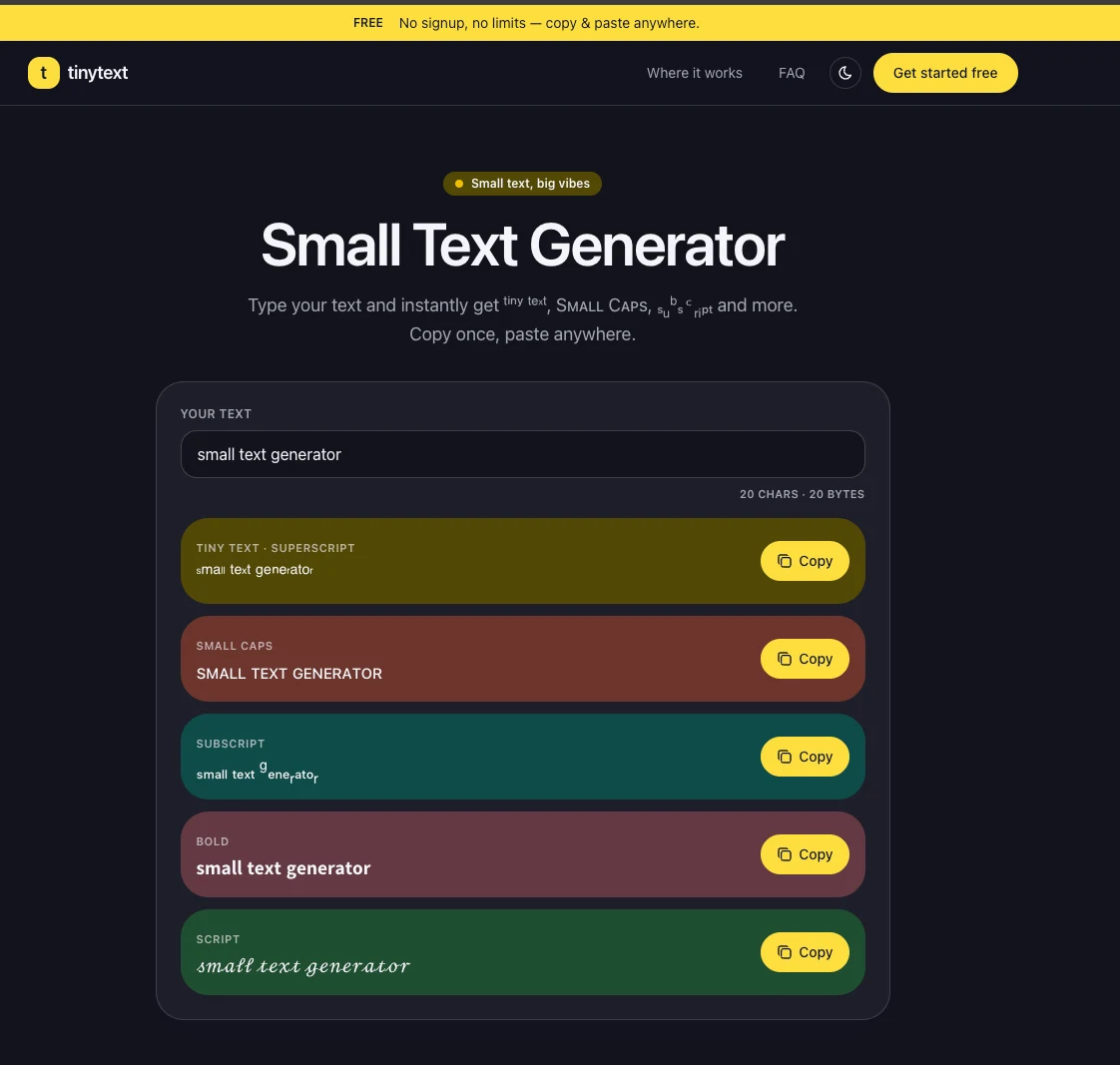
Generate Tiny Text, Superscript, Small Caps, Subscript, Bold, and Script variations from a single input, giving users a range of visual options.
Free and unlimited usage with no account required and no watermark—just type, copy, and paste.
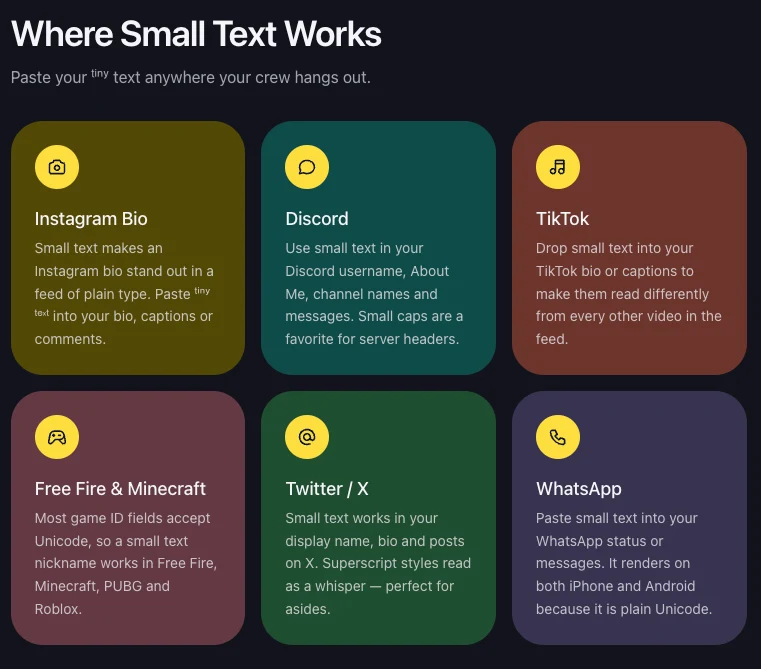
Compatible with Instagram, Discord, TikTok, Twitter/X, WhatsApp, and games like Free Fire, Minecraft, PUBG, and Roblox that accept Unicode text.
As you type, the tool instantly displays all style variations, each with a one-click copy button.
Small caps use characters from phonetic alphabets adopted into Unicode, making them the most widely supported style for game IDs and handles where other special characters may be filtered.
It does not use fonts. Every style is built from real Unicode characters—superscript letters like ᵃ ᵇ ᶜ, small capitals like ᴀ ʙ ᴄ, and Mathematical Alphanumeric symbols. Because they are characters rather than formatting, they survive copy and paste anywhere.
Unicode never defined a complete small alphabet. There is no superscript q and only 17 of 26 letters have subscript forms, so the closest look-alike character stands in. That is why a letter like q can look different from the rest of the word.
Yes. Any app that accepts Unicode text will display it: bios, captions, comments, usernames and chat messages. A few nickname fields in games filter special characters—if one style is rejected, try Small Caps, which uses the most widely supported characters.
Yes—free and unlimited, with no signup and no watermark. Type, copy, paste. That is the whole product.
Small caps are miniature capital letters that sit on the normal line (ᴛɪɴʏ). Superscript characters are raised above the line (ᵗⁱⁿʸ) and subscript characters sit below it (ₜᵢₙᵧ). All three copy and paste the same way—pick whichever look fits your bio or nickname.