MP3 to MIDI
MP3 to MIDI Converter — Free, No Signup
Screenshots
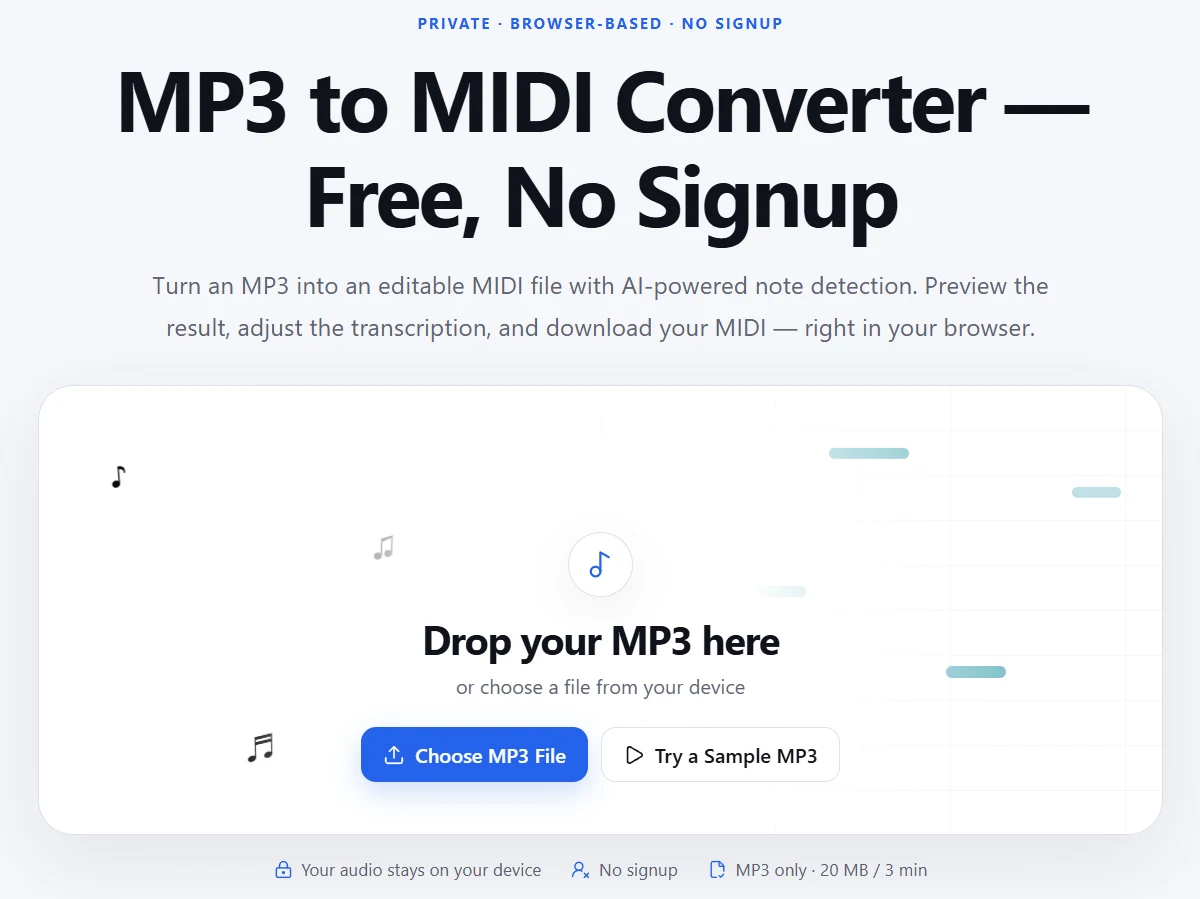
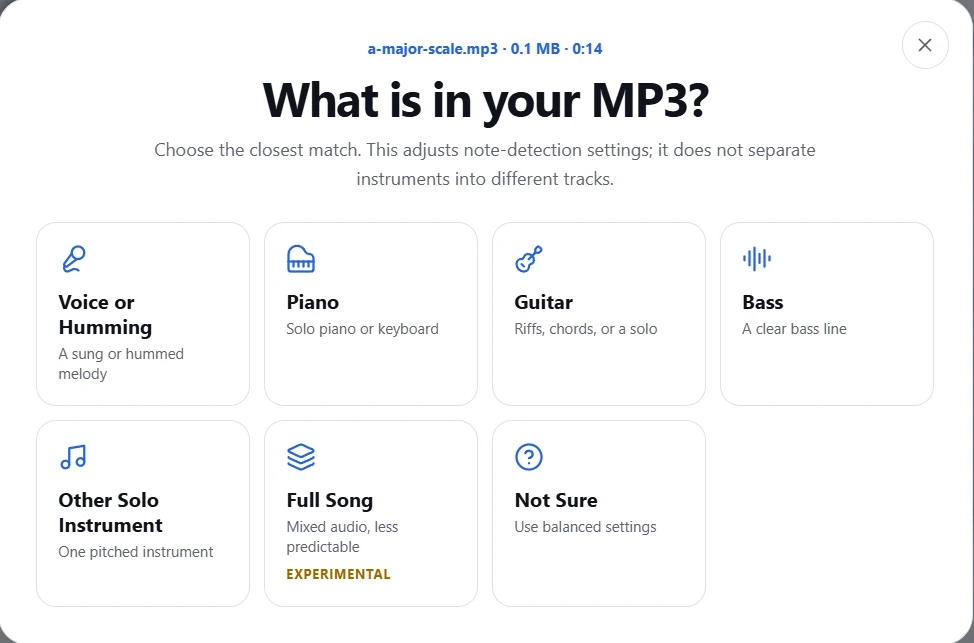
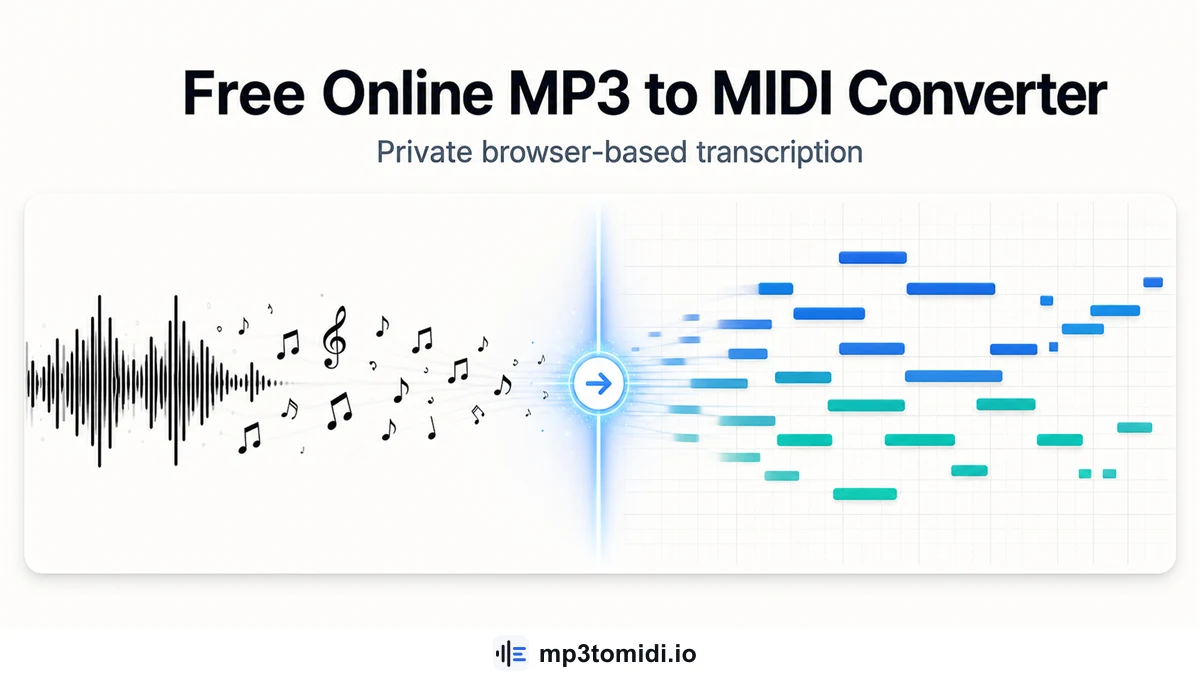
This tool uses a machine learning model — based on Spotify's open-source Basic Pitch — to transcribe audio into MIDI notes entirely inside your web browser.
Just upload an MP3, WAV, FLAC, or M4A file, wait a few seconds while the AI listens, and download a MIDI file you can open in any notation or production software like Logic Pro, Ableton Live, or FL Studio.
No sign-ups, no payments, no file uploads to external servers. Your audio stays on your machine. The AI model downloads once (about 900KB) and works offline after the first load.
Key Features
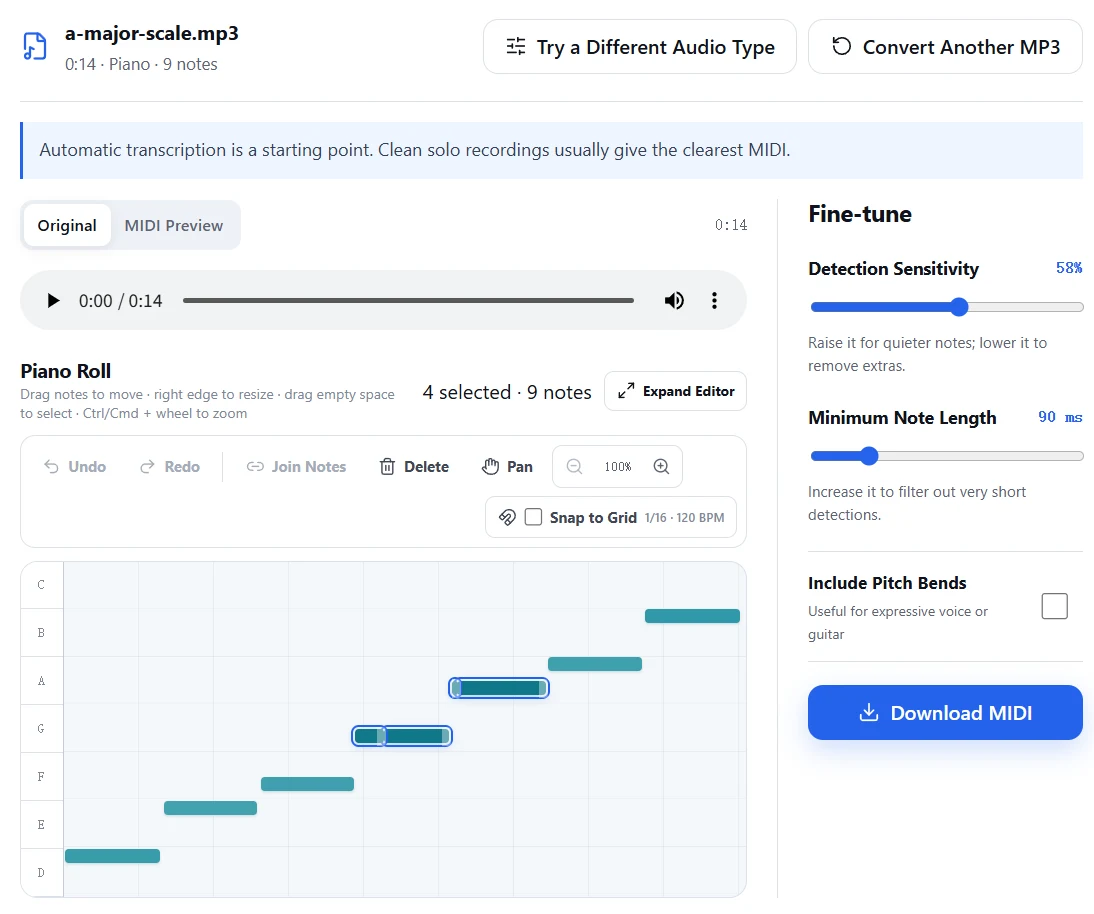
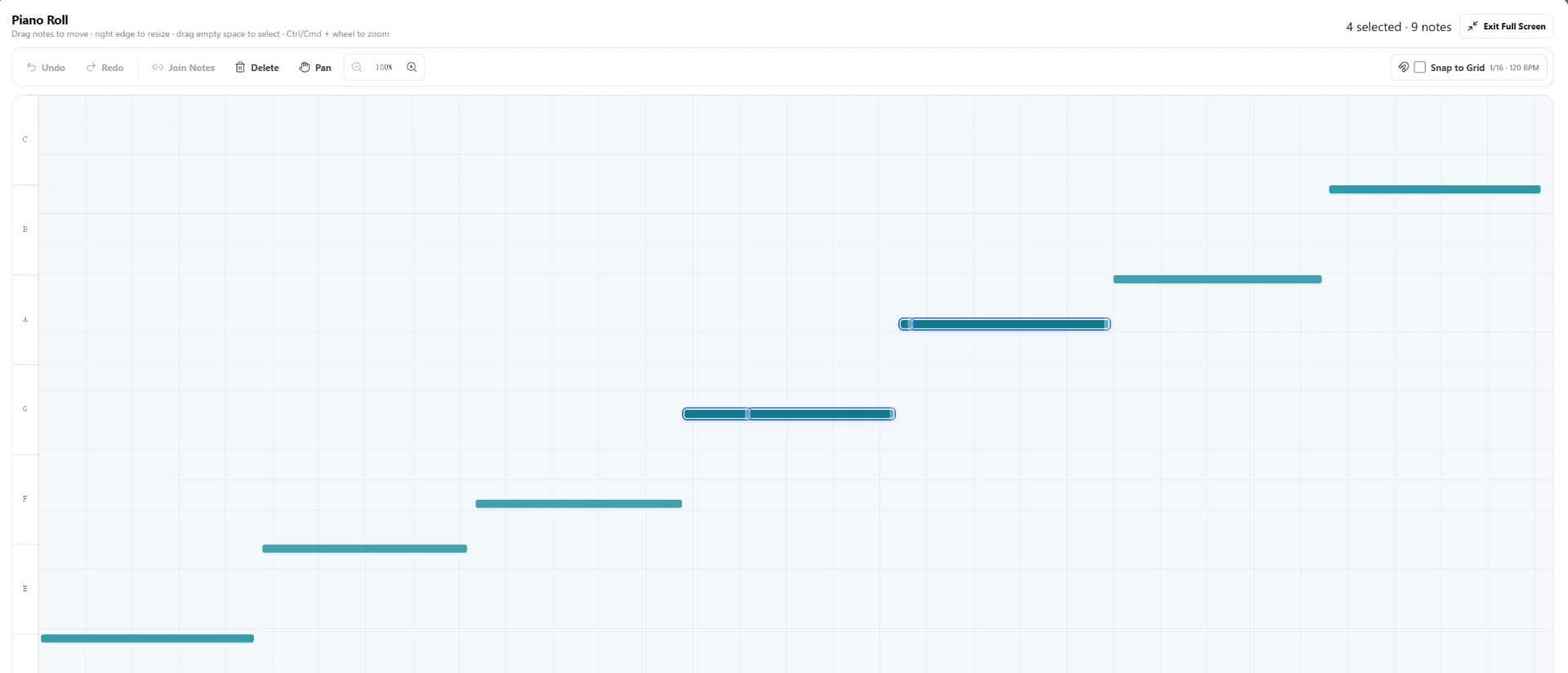
Built-in MIDI editor
Online piano roll editor lets you fix wrong notes, quantize, and adjust velocity before exporting


